


Newsletters

Published

Written by

Workbench

October newsletter

Published

October 12, 2023

1/ Superhuman component placement

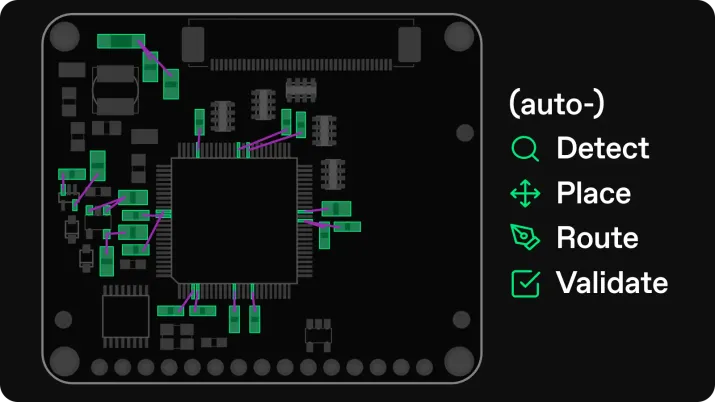
We’ve achieved an exciting milestone – Quilter’s design agent now regularly achieves superhuman component placement as measured by the average number of rats nest intersections prior to routing.

This milestone was enabled by a big improvement to our placement algorithm courtesy of our incredible artificial intelligence team, and is the headline improvement of our new v0.5.0 release (details below).

Try with your own board

2/ v050 is now live

Quilter’s v0.5.0 release is our first named software release and includes a number of additional improvements to Quilter’s application and design agent:

  • (New) Schematic-informed placement for Altium designs
  • (New) New Help Center with useful tips for using Quilter
  • (Improved) Better silkscreen placement (fewer collisions, placed closer to components)

...and much more!

To view the full list of changes and improvements hsipped with our v0.5.0 release, visit our product changelog.

Explore v050

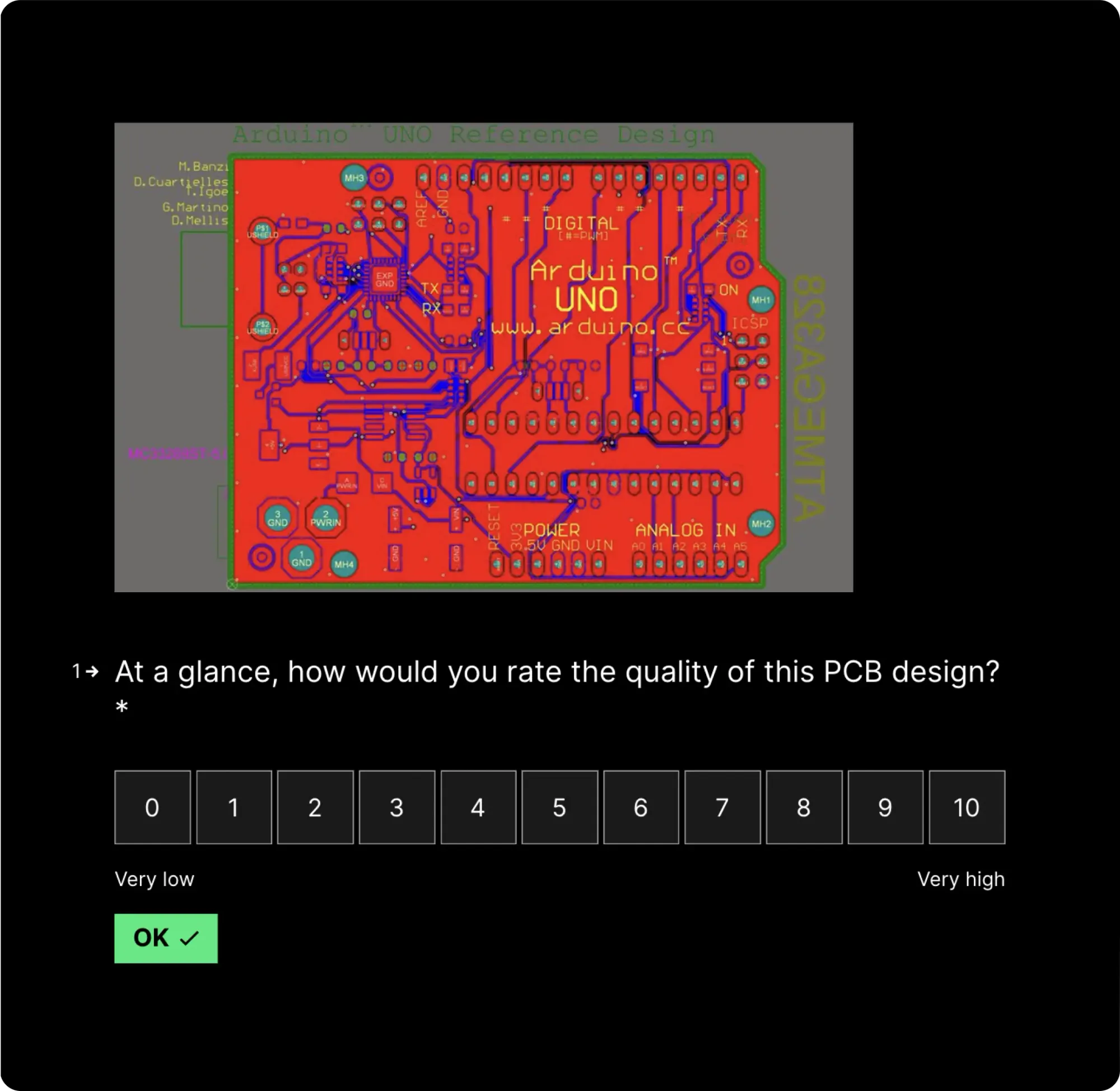
3/ Does this design look weird to you?

We’re actively collecting feedback from early access users on the visual appearance of our AI designer’s trace routing. If you’d like to weigh in, take our 1-2 minute survey below by clicking the image or button below.

Take the survey

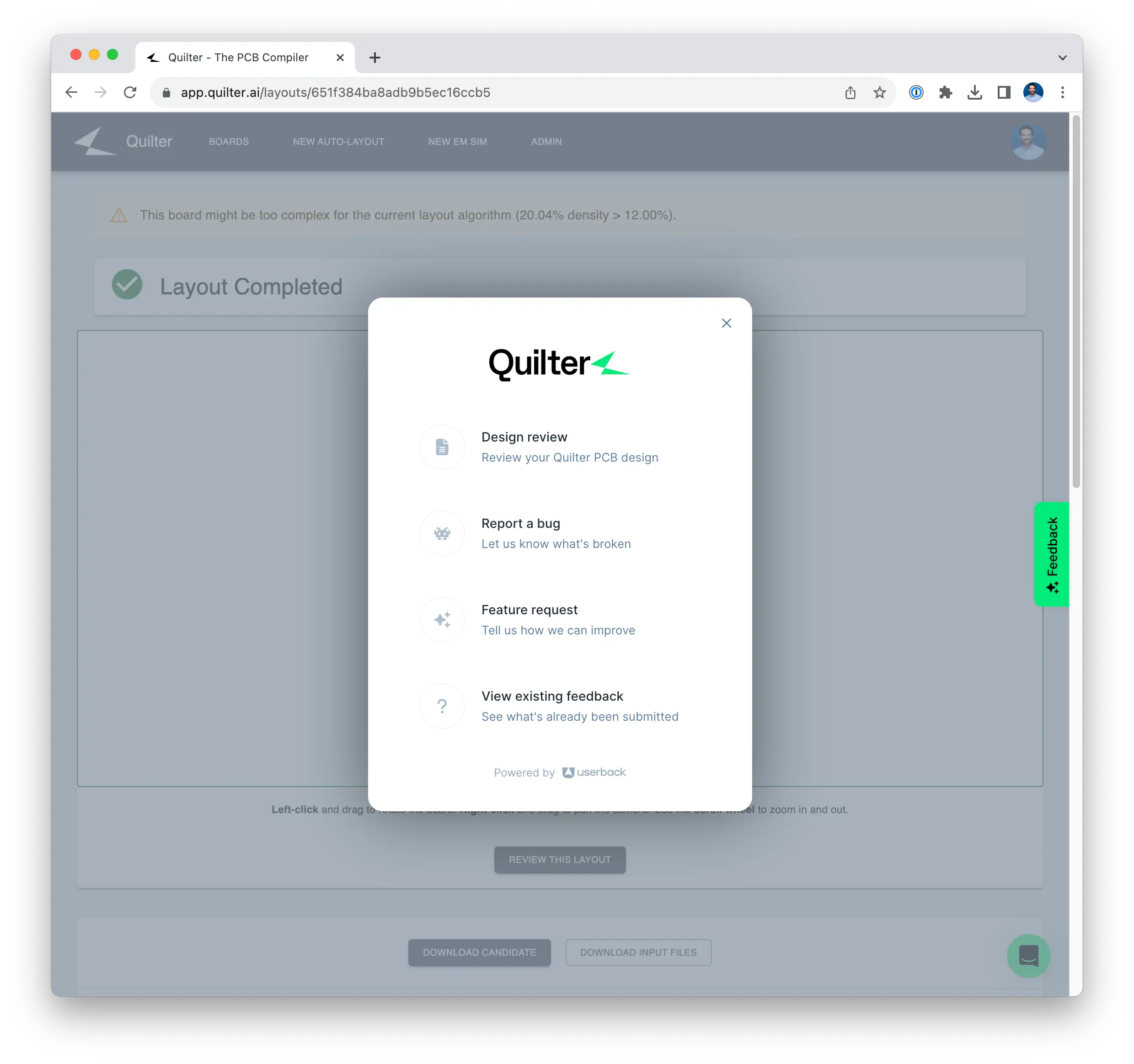
4/ New ways to give feedback

We’ve added new ways to provide feedback on your experience using Quilter from directly within the app. When logged in, click the “Feedback” button or click the “Review this design” button to provide feedback on your design, report a bug, or submit a feature request.

5/ Expanding our early access program

With the release of v0.5.0 to production, we are inviting more users from our waitlist to try Quilter in early access.

Thank you for being one of our early supporters!

Try Quilter for Yourself

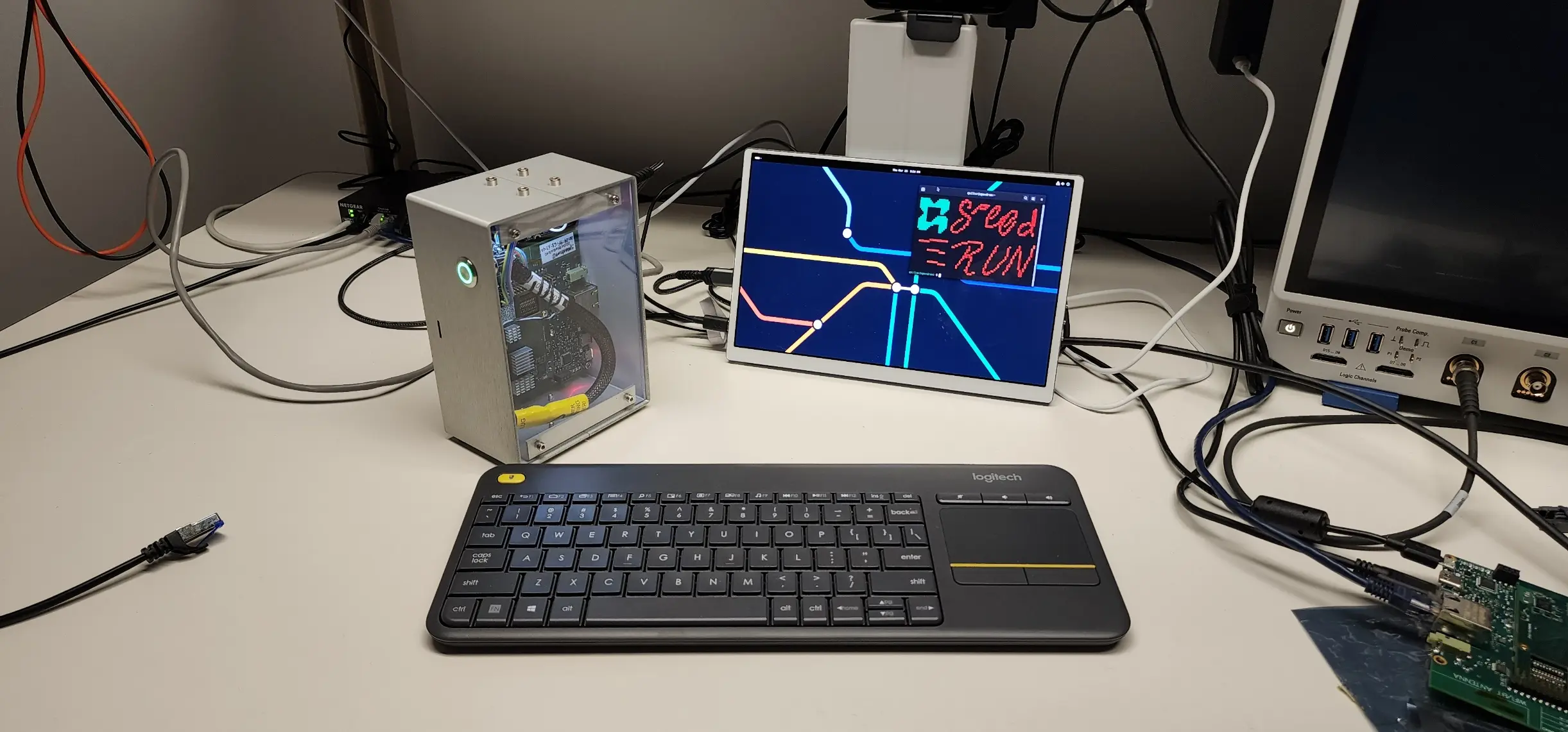
Project Speedrun demonstrated what autonomous layout looks like in practice and the time compression Quilter enables. Now, see it on your own hardware.

Get Started

Validating the Design

With cleanup complete, the final question is whether the hardware works. Power-on is where most electrical mistakes reveal themselves, and it’s the moment engineers are both nervous and excited about.

Continue to Part 4

Cleaning Up the Design

Autonomous layout produces a complete, DRC'd design; cleanup is a brief precision pass to finalize it for fabrication.

Continue to Part 3

Compiling the Design

Once the design is prepared, the next step is handing it off to Quilter. In traditional workflows, this is where an engineer meets with a layout specialist to clarify intent. Quilter replaces that meeting with circuit comprehension: you upload the project, review how constraints are interpreted, and submit the job.

Continue to Part 2

October newsletter

October 12, 2023
by
Sergiy Nesterenko
and

1/ Superhuman component placement

We’ve achieved an exciting milestone – Quilter’s design agent now regularly achieves superhuman component placement as measured by the average number of rats nest intersections prior to routing.

This milestone was enabled by a big improvement to our placement algorithm courtesy of our incredible artificial intelligence team, and is the headline improvement of our new v0.5.0 release (details below).

Try with your own board

2/ v050 is now live

Quilter’s v0.5.0 release is our first named software release and includes a number of additional improvements to Quilter’s application and design agent:

  • (New) Schematic-informed placement for Altium designs
  • (New) New Help Center with useful tips for using Quilter
  • (Improved) Better silkscreen placement (fewer collisions, placed closer to components)

...and much more!

To view the full list of changes and improvements hsipped with our v0.5.0 release, visit our product changelog.

Explore v050

3/ Does this design look weird to you?

We’re actively collecting feedback from early access users on the visual appearance of our AI designer’s trace routing. If you’d like to weigh in, take our 1-2 minute survey below by clicking the image or button below.

Take the survey

4/ New ways to give feedback

We’ve added new ways to provide feedback on your experience using Quilter from directly within the app. When logged in, click the “Feedback” button or click the “Review this design” button to provide feedback on your design, report a bug, or submit a feature request.

5/ Expanding our early access program

With the release of v0.5.0 to production, we are inviting more users from our waitlist to try Quilter in early access.

Thank you for being one of our early supporters!