


Newsletters

Published

Written by

Workbench

Summer newsletter

Published

September 12, 2023

Thanks to everyone participating in Quilter's early access program! We're excited to share a brief roundup of the changes and improvements we've made to Quilter throughout the last couple of months.

1/ Constraints manager

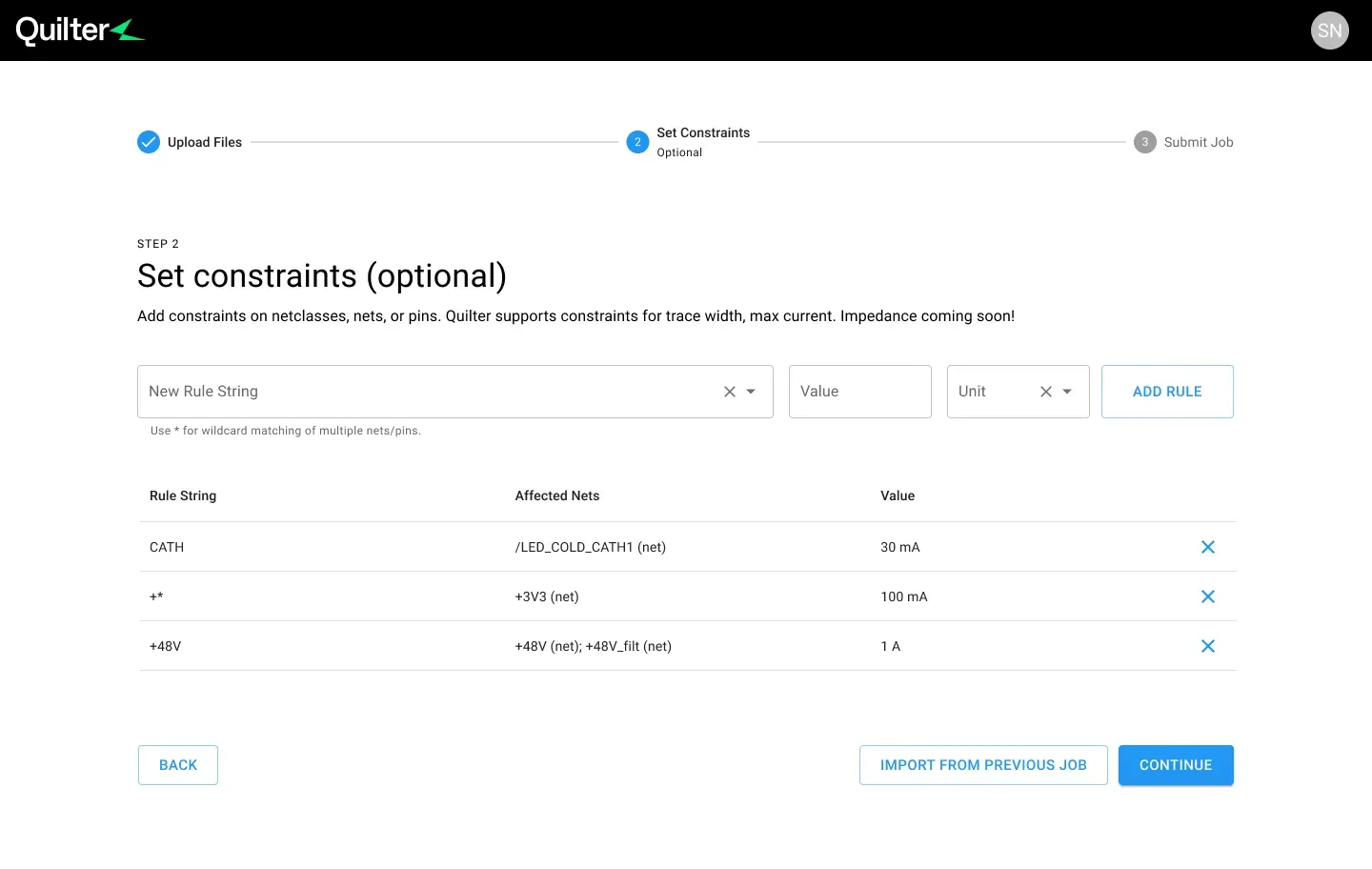
Constraints Manager provides a brand new way to define and manage trace width or amperage constraints for individual net classes, nets, or pins in their design. Defining constraints ensures Quilter’s AI router will use trace widths that are appropriate for the physical and electrical constraints of the design.

Try constraints manager

2/ Schematic-informed layout

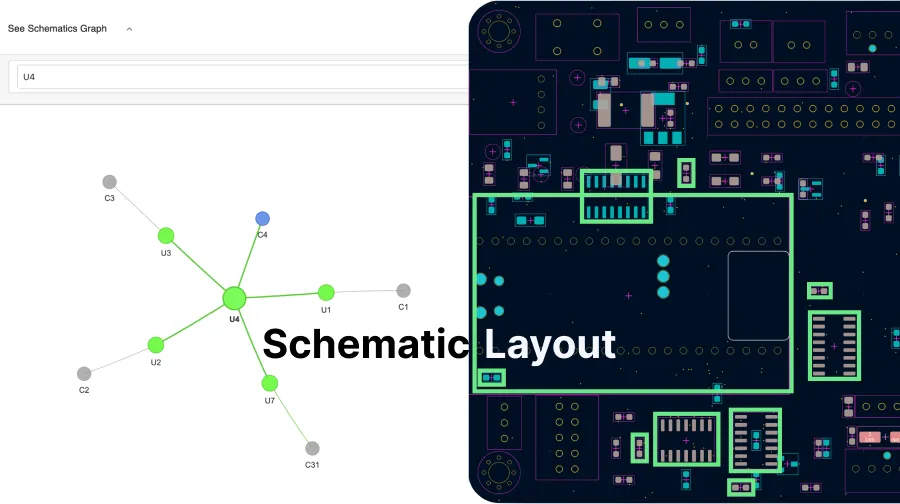
Quilter users can now upload their schematic along with their board file to Quilter for compilation, enabling components that are directly and implicitly connected in the schematic to be placed together in layout. This feature is available today for KiCAD designs, with support for Altium coming soon.

Upload a schematic

Vote on features

We’ve got more improvements coming to Quilter including:

  1. Support for more complicated designs
  2. Better silkscreen placement for component designators
  3. Schematic-informed placement for Altium

Want to see something else? Submit feature requests and view our roadmap by visiting our public feedback portal.

Try Quilter for Yourself

Project Speedrun demonstrated what autonomous layout looks like in practice and the time compression Quilter enables. Now, see it on your own hardware.

Get Started

Validating the Design

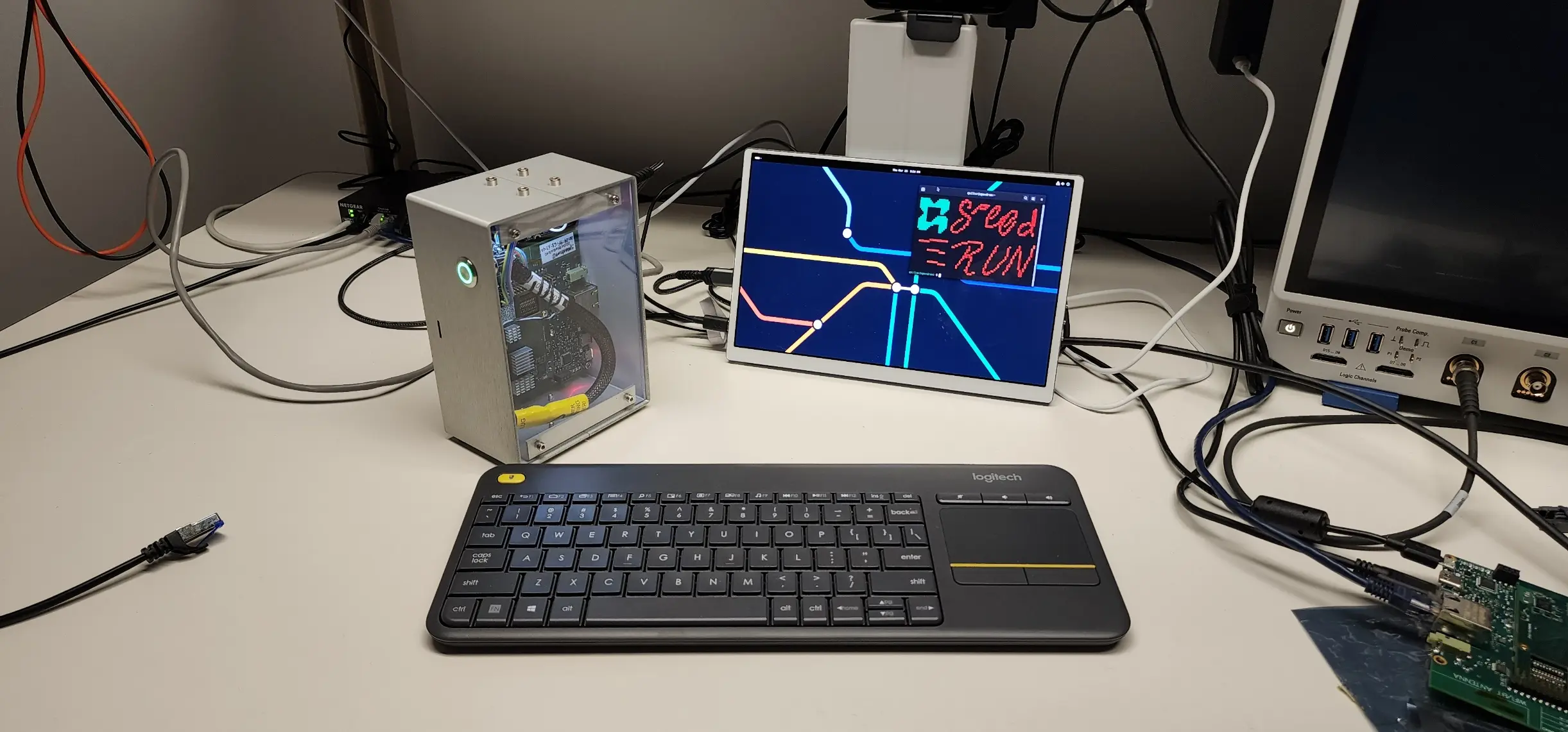
With cleanup complete, the final question is whether the hardware works. Power-on is where most electrical mistakes reveal themselves, and it’s the moment engineers are both nervous and excited about.

Continue to Part 4

Cleaning Up the Design

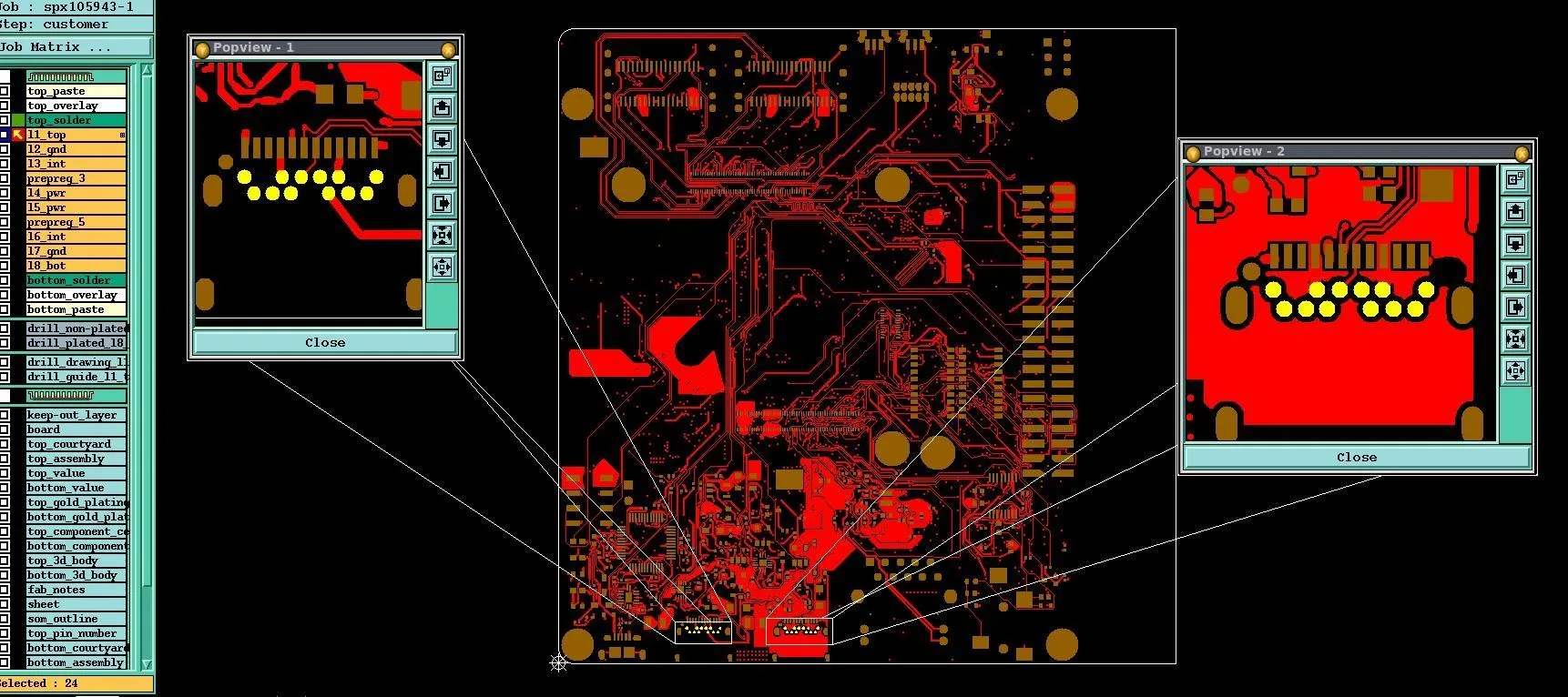
Autonomous layout produces a complete, DRC'd design; cleanup is a brief precision pass to finalize it for fabrication.

Continue to Part 3

Compiling the Design

Once the design is prepared, the next step is handing it off to Quilter. In traditional workflows, this is where an engineer meets with a layout specialist to clarify intent. Quilter replaces that meeting with circuit comprehension: you upload the project, review how constraints are interpreted, and submit the job.

Continue to Part 2

Summer newsletter

September 12, 2023
by
Sergiy Nesterenko
and

Thanks to everyone participating in Quilter's early access program! We're excited to share a brief roundup of the changes and improvements we've made to Quilter throughout the last couple of months.

1/ Constraints manager

Constraints Manager provides a brand new way to define and manage trace width or amperage constraints for individual net classes, nets, or pins in their design. Defining constraints ensures Quilter’s AI router will use trace widths that are appropriate for the physical and electrical constraints of the design.

Try constraints manager

2/ Schematic-informed layout

Quilter users can now upload their schematic along with their board file to Quilter for compilation, enabling components that are directly and implicitly connected in the schematic to be placed together in layout. This feature is available today for KiCAD designs, with support for Altium coming soon.

Upload a schematic

Vote on features

We’ve got more improvements coming to Quilter including:

  1. Support for more complicated designs
  2. Better silkscreen placement for component designators
  3. Schematic-informed placement for Altium

Want to see something else? Submit feature requests and view our roadmap by visiting our public feedback portal.