







Read the Full Series
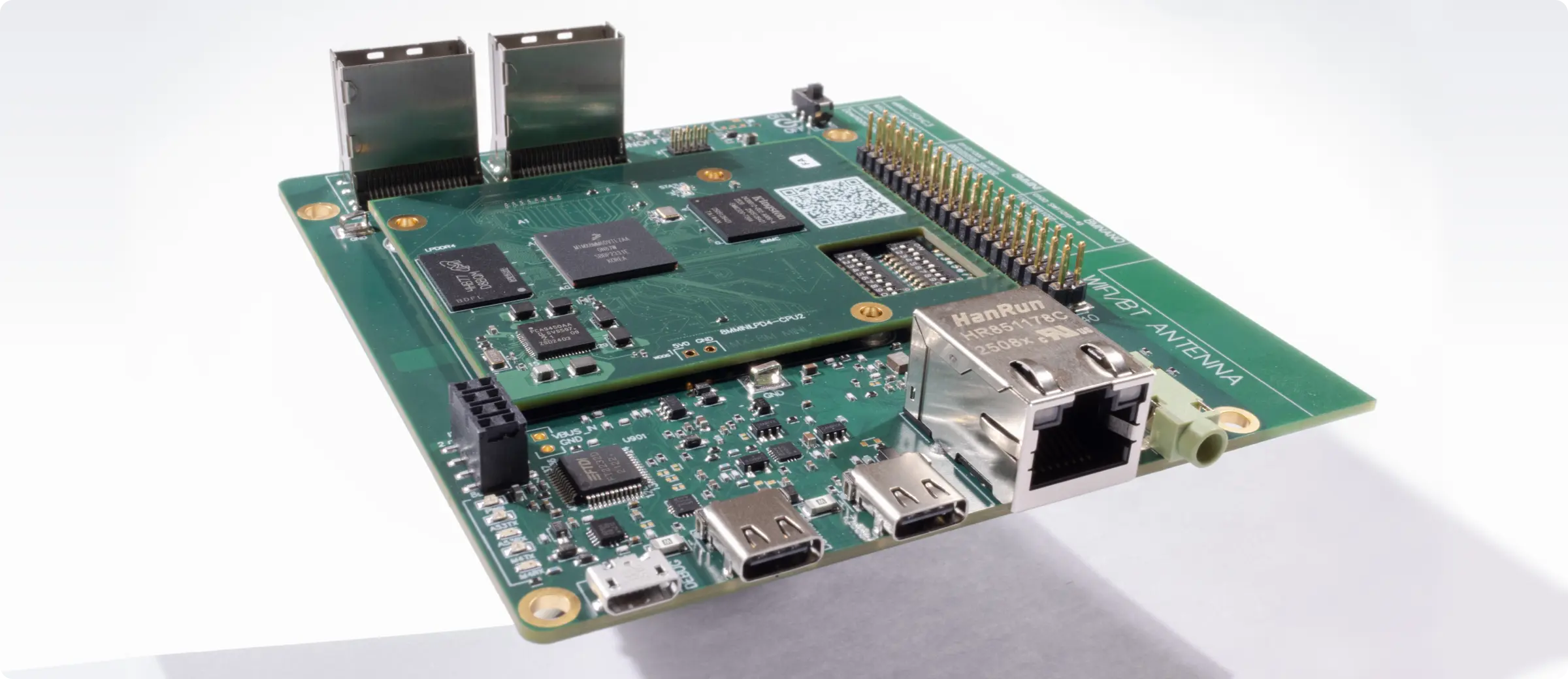
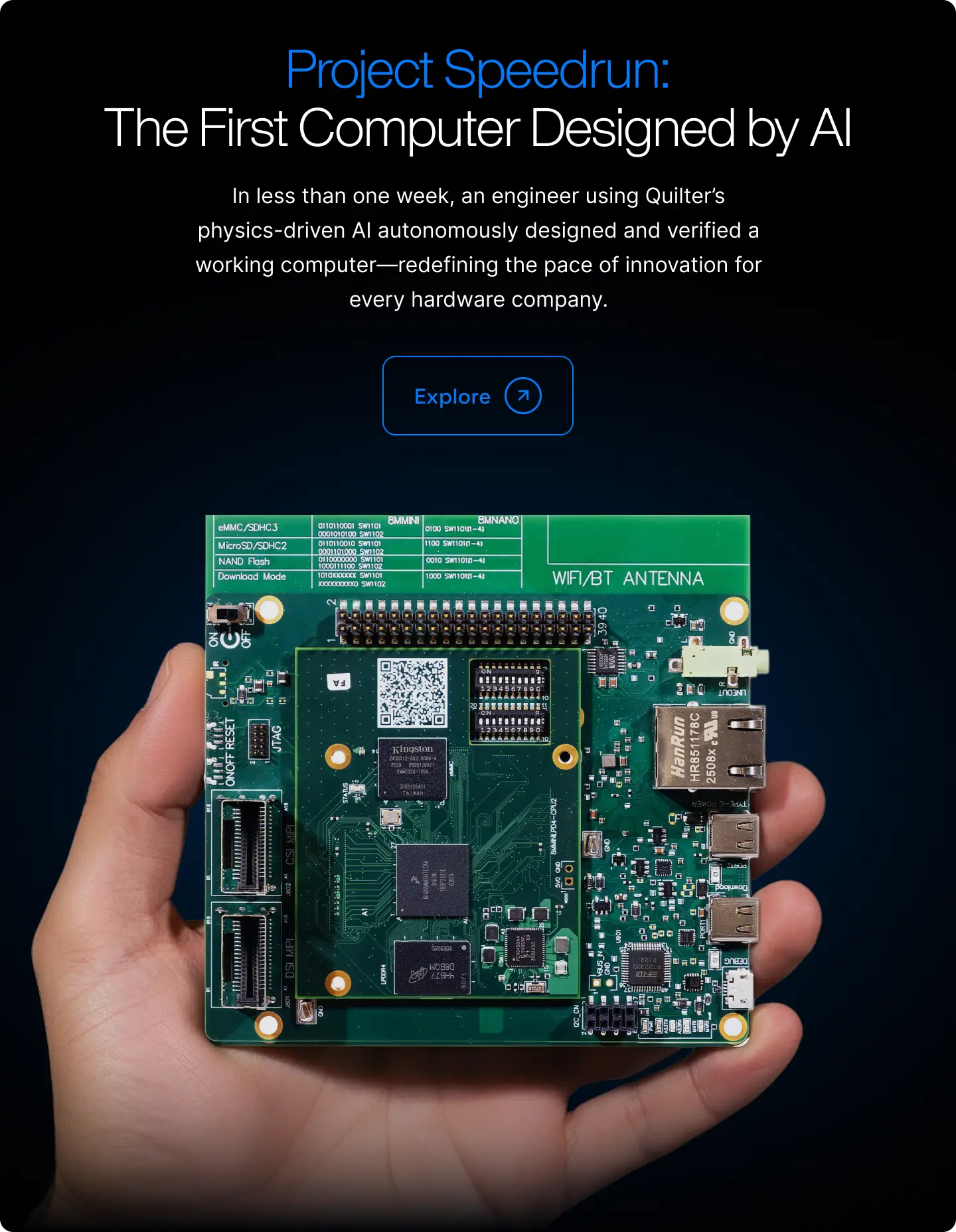
This article is one part of a walkthrough detailing how we recreated an NXP i.MX 8M Mini–based computer using Quilter’s physics-driven layout automation.
The most efficient PCB tool for a team is the one that helps it release suitable designs with manageable effort and risk. A feature count or a fastest-run screenshot is not enough to make that decision. Start with the work your team needs to complete and the process it must preserve.
Updated September 2026: unsupported numerical rankings and claims of completed comparative tests have been removed. This review now focuses on selection criteria and a practical evaluation process.
Separate the CAD environment from automation
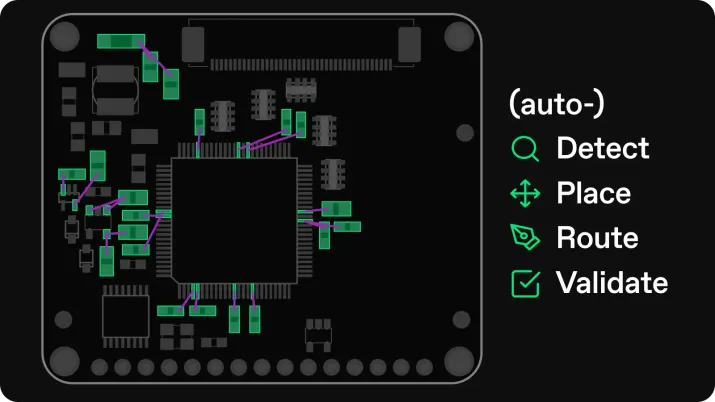
A CAD environment holds schematics, libraries, constraints and release files. An automation service can perform part of the placement-and-routing work within that process. Compare the complete combinations you would actually use, including the native CAD environment needed to review and finalize automated output.
KiCad documents interactive routing and design-rule tools. Quilter describes generating candidates and returning native CAD files. Evaluate Altium, Cadence, Siemens, Fusion or other candidates against your required versions, capabilities and deployment arrangements rather than a generic league table.
Build a shortlist from non-negotiable requirements
- Required file formats and the quality of import/export.
- Library ownership, component data and version control.
- Electrical and manufacturing constraints your boards require.
- Review, collaboration and release responsibilities.
- Security, deployment, support and contract requirements.
Reject a workflow that cannot meet a mandatory requirement before scoring convenience or speed. For legacy EAGLE projects, include migration in the evaluation: Autodesk ended EAGLE sales and support on June 7, 2026.
Run a representative pilot
Use one real project revision and the same acceptance criteria. Record setup, active engineering work, automated runtime, cleanup and final review separately. Include failed attempts and any work needed to repair imports or restore constraints.
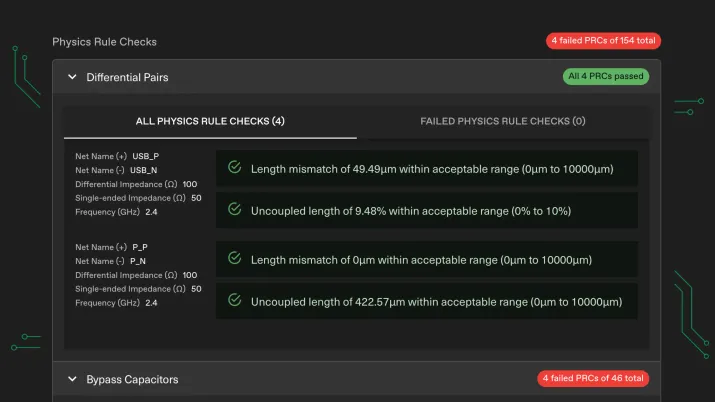
Review the actual output, not only a pass indicator. Confirm connectivity, relevant rule checks and manufacturing requirements, then perform the analyses and tests required by the design. Document where expert judgment remains necessary.
Compare cost and adoption effort
Use current quotes for the configuration you need. Include training, library migration, integrations and ongoing support. For automation, keep the cost of any CAD tools you continue to use. Count saved engineering capacity separately from cash savings and test whether the team can use that capacity productively.
Choose with evidence you can explain
Summarize mandatory checks as pass/fail, then compare measured effort and the reasons for manual rework. Expand the pilot to another board class if the first result is important to a wider rollout. A useful recommendation states who the workflow fits, what was tested and what remains uncertain.


.webp)