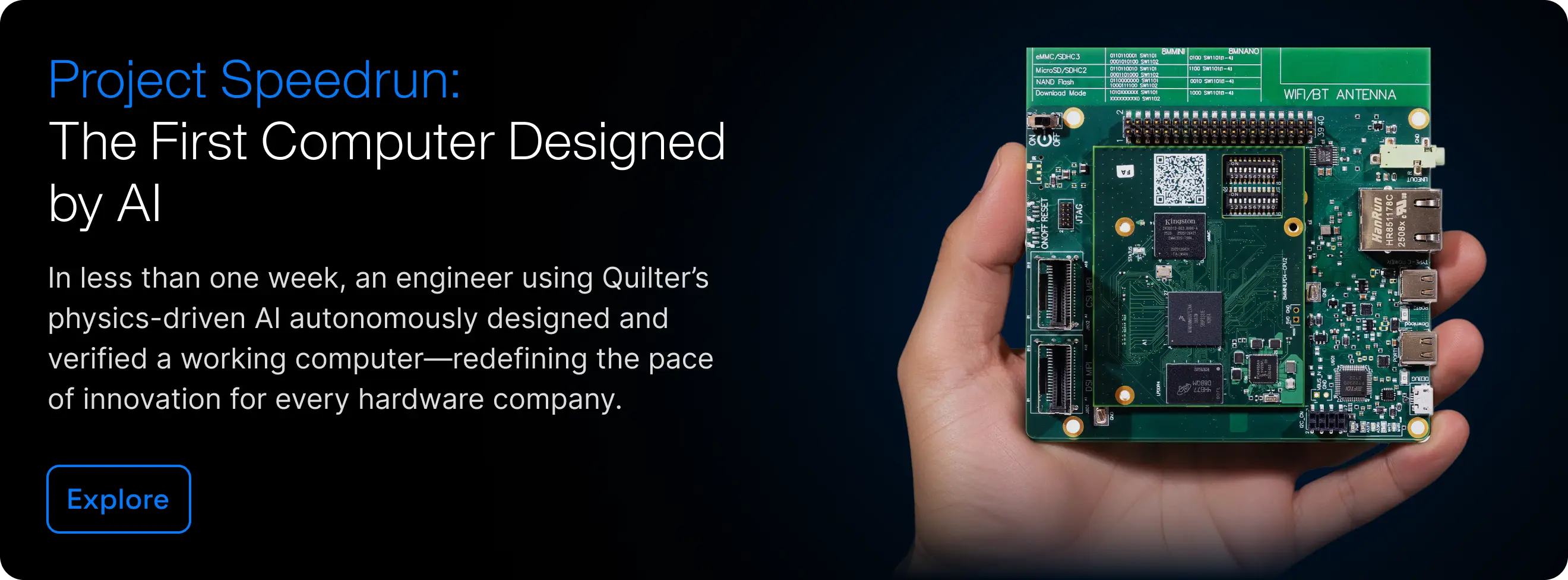
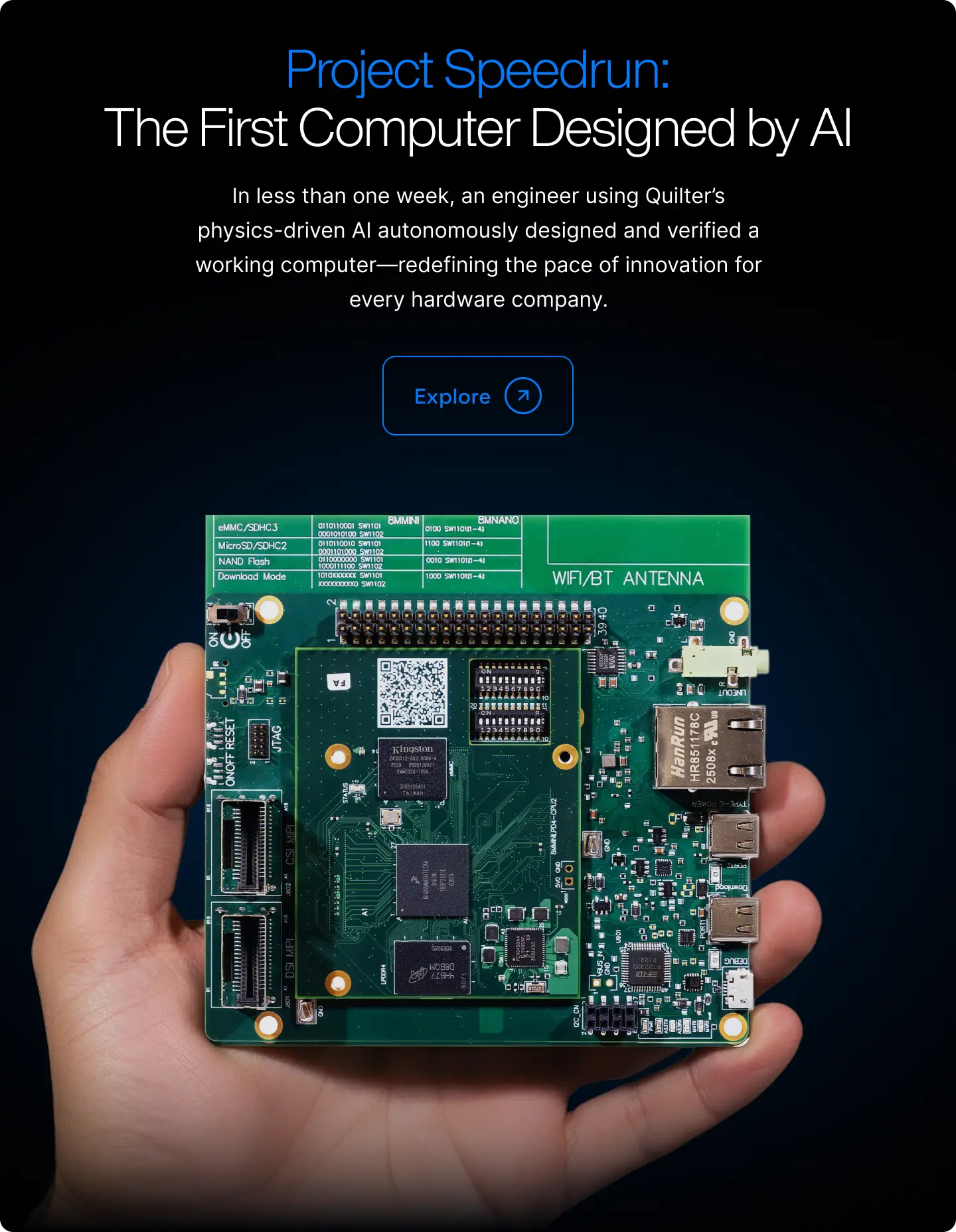
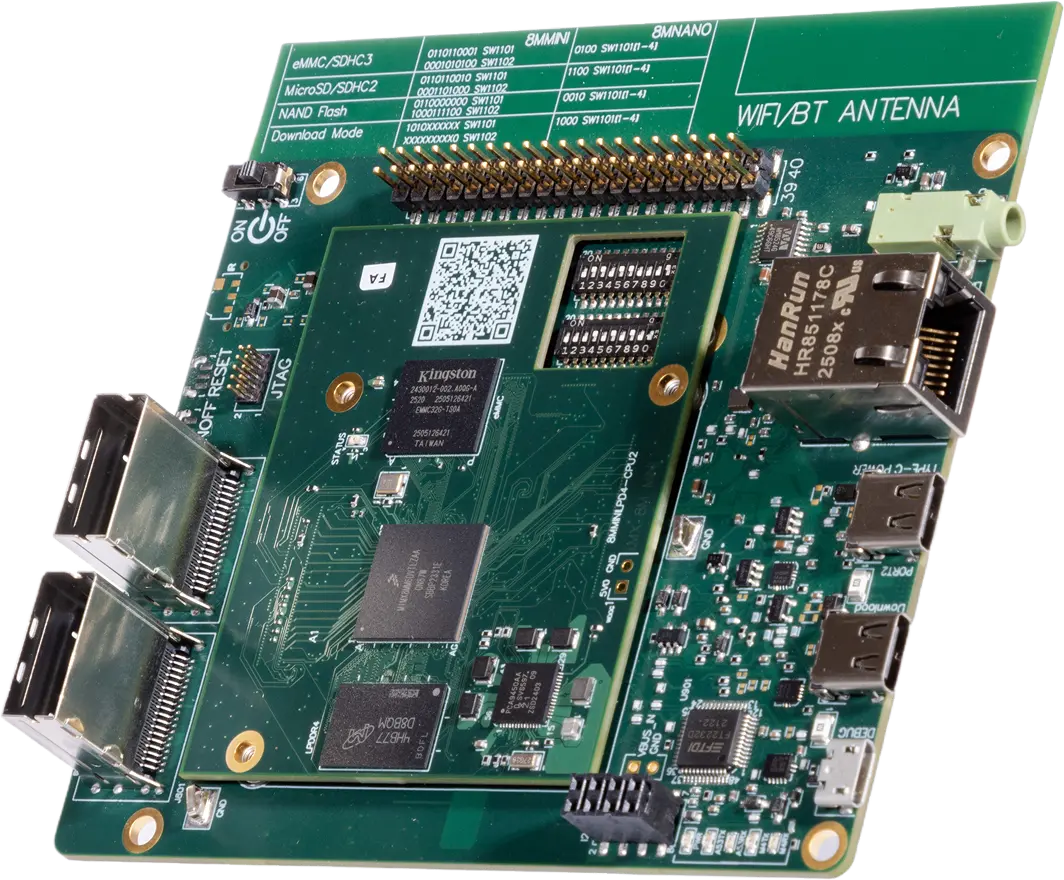
Physics-Driven AI for PCB Layout Automation

Quilter is physics-driven AI that handles PCB placement and routing end-to-end, like a dedicated junior PCB engineer on your team. 

What Quilter Does

Upload your schematic and board outline. Quilter handles placement, routing, and validation against your constraints, then returns completed layout candidates in native file formats for Altium, Cadence Allegro and OrCAD, Siemens Xpedition, and KiCAD.

Engineering Leaders
Ship projects on time without adding headcount.
Electrical Engineers
Get layout off your plate so you can spend your time on architecture, schematic design, and bring-up.
PCB Designers
Run multiple placement and routing options in parallel. Download them back to your CAD, keep what you like, modify or delete what you don't. You're always in control.

How Quilter Works

ECAD Quilter Prepare Your Design Files Schematic Board Outline Fixed Components Edit & Clean Up Design Review Iteration Loop Define Design Context Stackup Constraints Circuit Intent Review Candidates Placement Routing Quilter Engine

Quilter fits into your existing workflow. You prepare the design in your ECAD, upload it, and Quilter handles placement and routing. You review the output, make adjustments, and resubmit. Most boards go through 2 to 5 cycles before the engineer is satisfied with the result. There’s no magic: Quilter shows you every physics check it ran, and you stay in control at every step.

What Happens When You Upload Your Project to Quilter

1

Quilter Full Technical Setup Walkthrough

Watch the full walkthrough for everything you need to go from a set of ECAD files to a finished board layout.

Get Started

See Quilter in Action

Schedule a consultation and see how physics-driven automation removes layout from your critical path.