







Read the Full Series
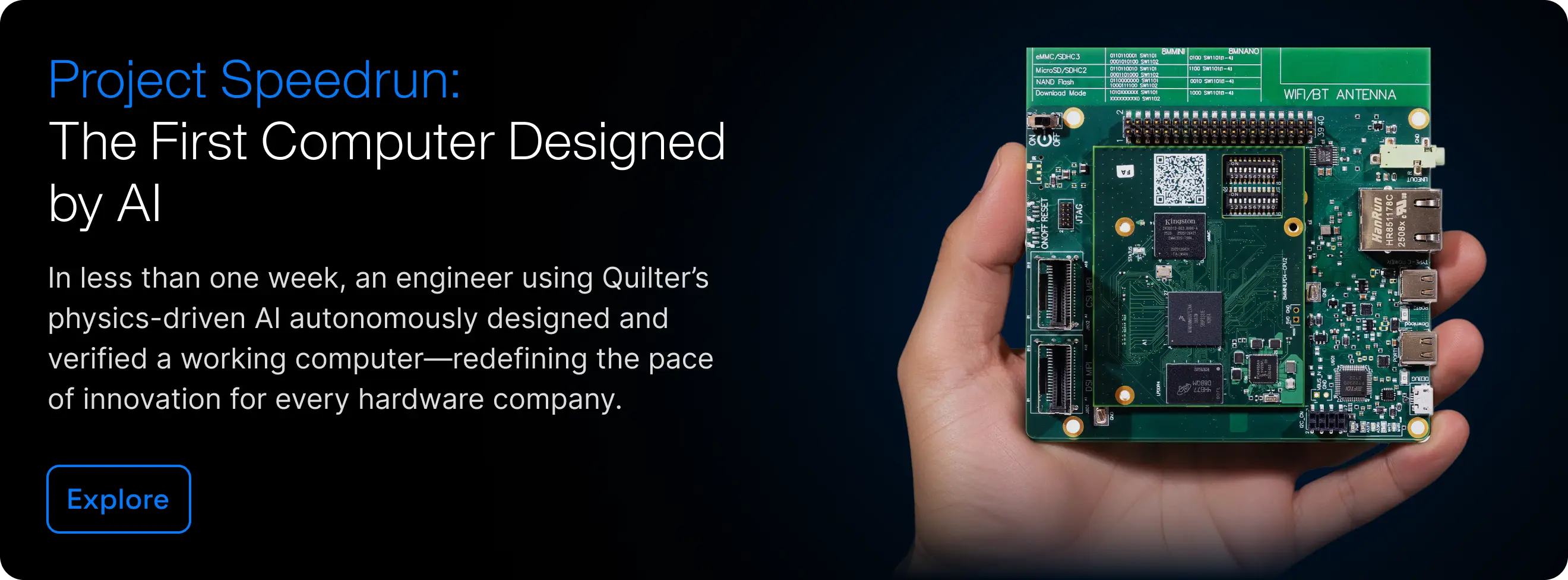
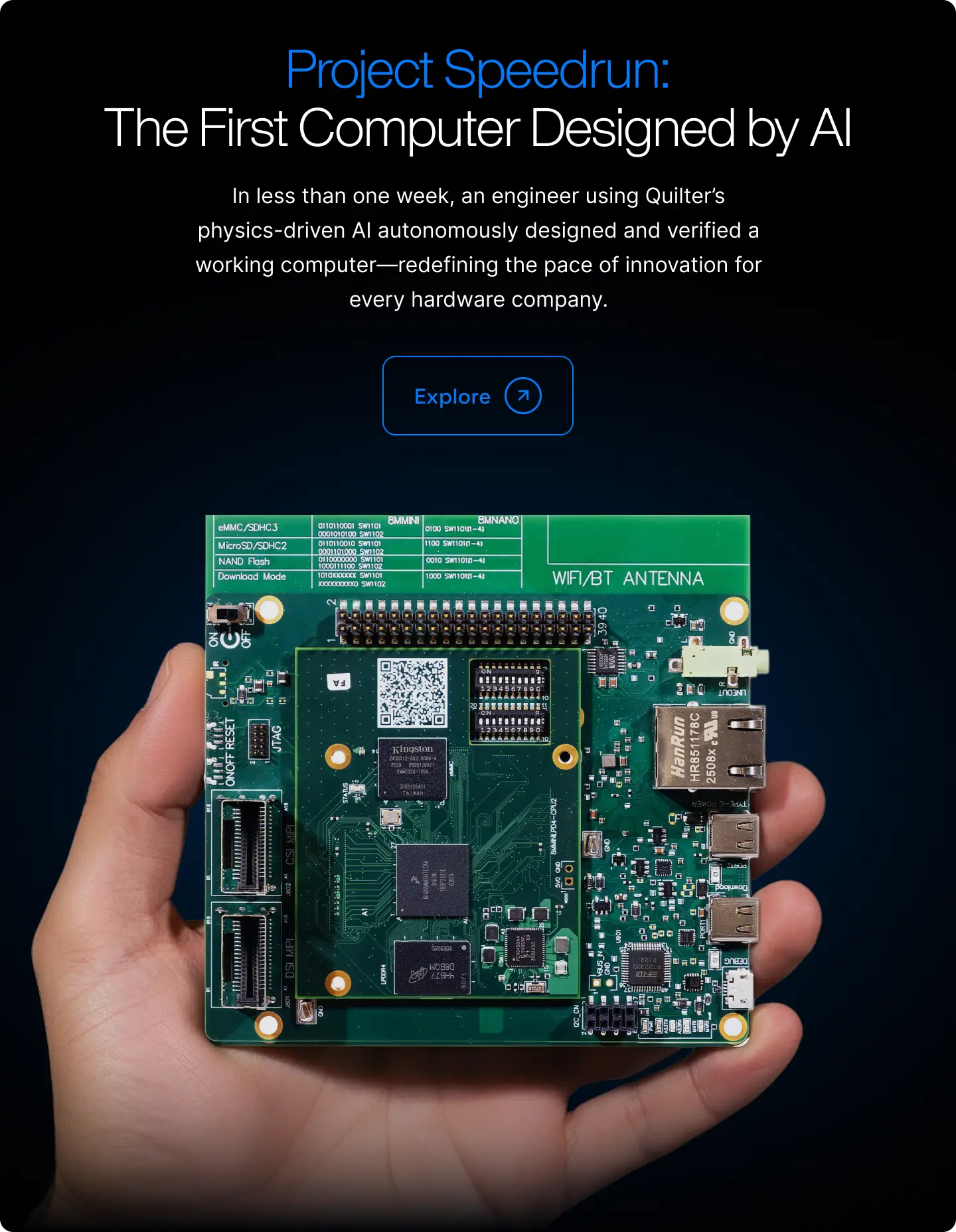
This article is one part of a walkthrough detailing how we recreated an NXP i.MX 8M Mini–based computer using Quilter’s physics-driven layout automation.
A 1,200-pin FPGA is a demanding planning example for PCB layout. Pin count alone does not determine the layer count, routing time or manufacturability. Package pitch, the actual pin assignment, interfaces, power distribution and fabrication capabilities all affect the result.
Editorial correction: this guide replaces an earlier case-study framing. The underlying project files and measurement records were not available to substantiate its reported routing time and outcomes. The discussion below is a planning guide, not a completed customer experiment.
Start with the package and fabrication process
Obtain the exact package drawing, recommended land pattern and device-specific PCB guidance. Confirm which balls are signals, power, ground or unused. Check escape channels against the fabricator's trace, clearance, drill and annular-ring capabilities. Decide whether the design requires through, blind, buried or microvias before assuming an automation tool can handle it.
Agree the stackup and impedance targets with the fabricator. Do not infer a suitable layer count from pin count or copy a layer count from another board. Reserve continuous reference paths for critical signals and check power distribution, decoupling placement and thermal constraints.
Define what automation may change
Record fixed connector locations, mechanical keepouts, placement regions and any routing that must remain intact. Separate routine connectivity from critical interfaces that need controlled topology, timing or detailed analysis. Confirm the tool's current support for each required feature; a general routing demonstration is not evidence of validated FPGA interface support.
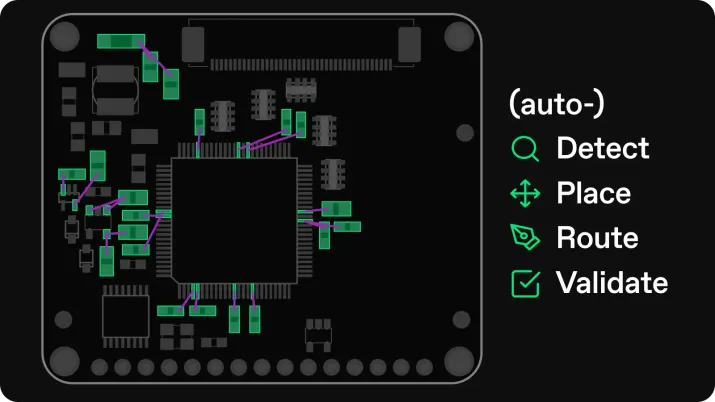
Quilter can be evaluated as part of an existing CAD workflow. Review its current product capabilities and design parameters with the actual board requirements before choosing a pilot. Preserve or complete specialist routing in native CAD when required.
Make the comparison reproducible
- Freeze the input revision, stackup and constraints.
- Define completion criteria, including unrouted nets, allowed exceptions and critical-interface checks.
- Record preparation, automated runtime, candidate review and manual cleanup separately.
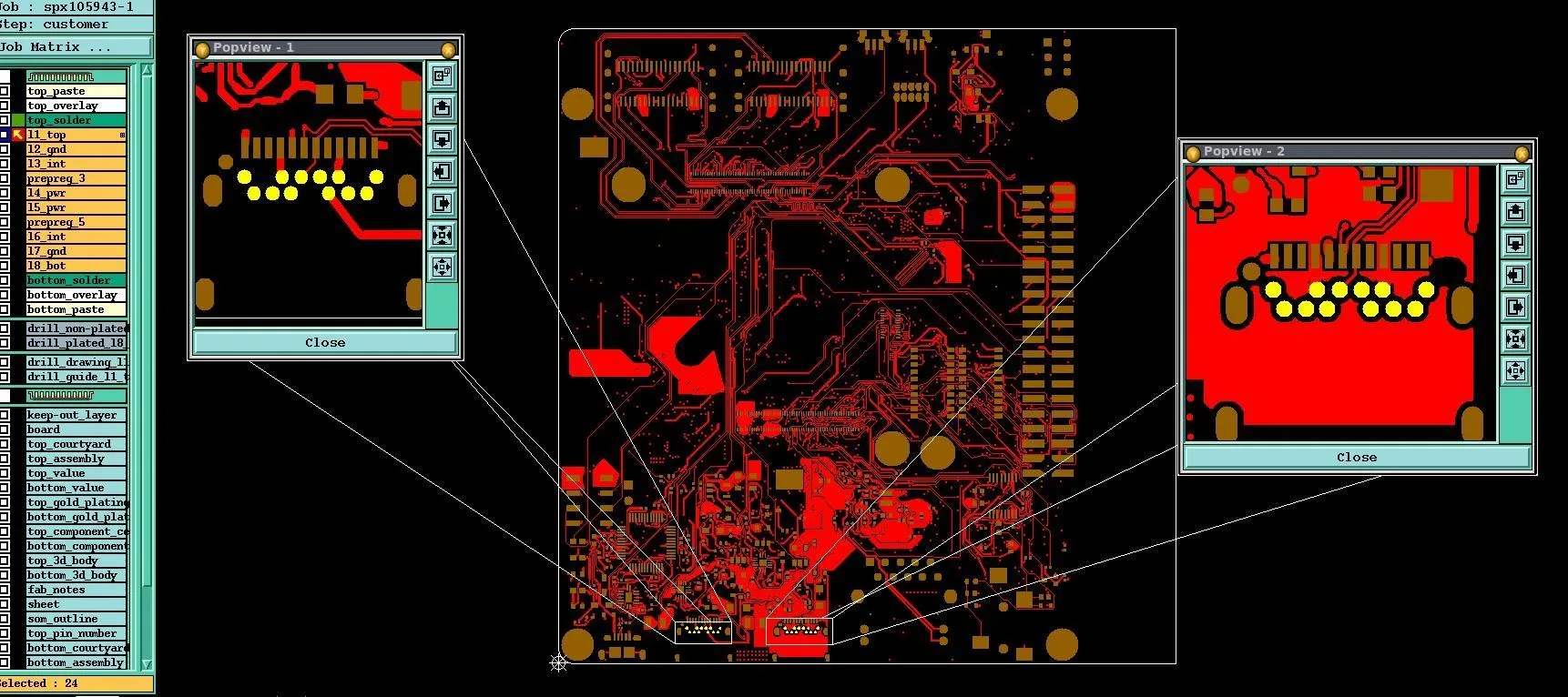
- Inspect escape patterns, reference transitions, congestion and access for testing.
- Run native CAD checks and the required electrical, mechanical and manufacturing reviews.
Report what was actually verified
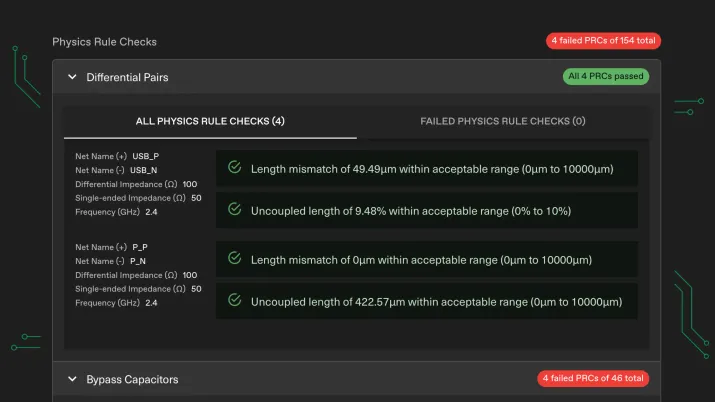
A completed route or clean DRC report is not a measurement of interface performance. Preserve the design revision, reports and reviewer decisions supporting each claim. Validate hardware where the project requires it. Report unresolved work alongside timing results so another engineer can judge whether the output meets the same release standard as the baseline.



.webp)